Colour, image and label swatches
Set the type on each attribute under Products, Attributes. Drop-downs turn into buttons customers can see.
Plugins C4D Woo Variation Images
Show product options as colour dots, image thumbnails or text buttons instead of drop-down menus, and give each colour its own photo gallery.
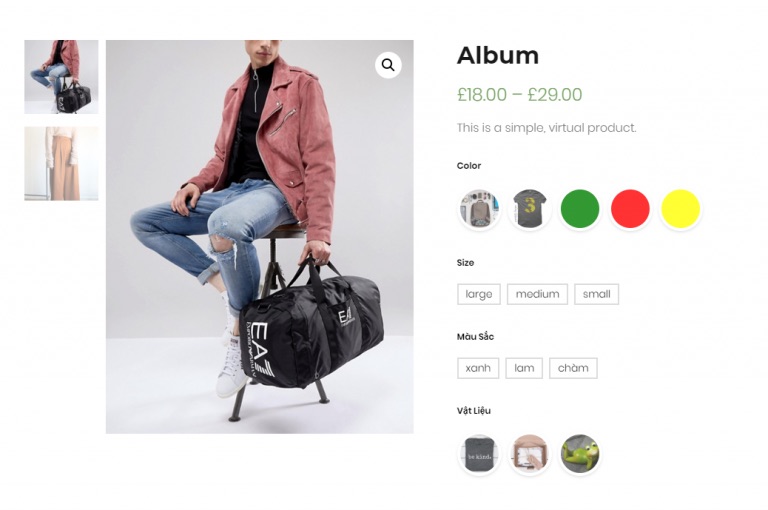
Set the type on each attribute under Products, Attributes. Drop-downs turn into buttons customers can see.
Add up to three photos to each colour. The main gallery switches when a customer picks it.
Show colours on the product grid, and swap the thumbnail when a customer hovers over one.
Hide options that are sold out, or mark them so customers don't pick them.
Customers can zoom into product photos and open them in a lightbox.
Set swatch shape, size, spacing and tooltips to match your theme.