Up to 3 products per bundle
Search for products, drag them into order and set a quantity for each.
Plugins C4D WooCommerce Product Bundles
Sell products together at a discount. Customers tick the items they want, pick sizes and colours, and add the whole bundle to the cart in one click.
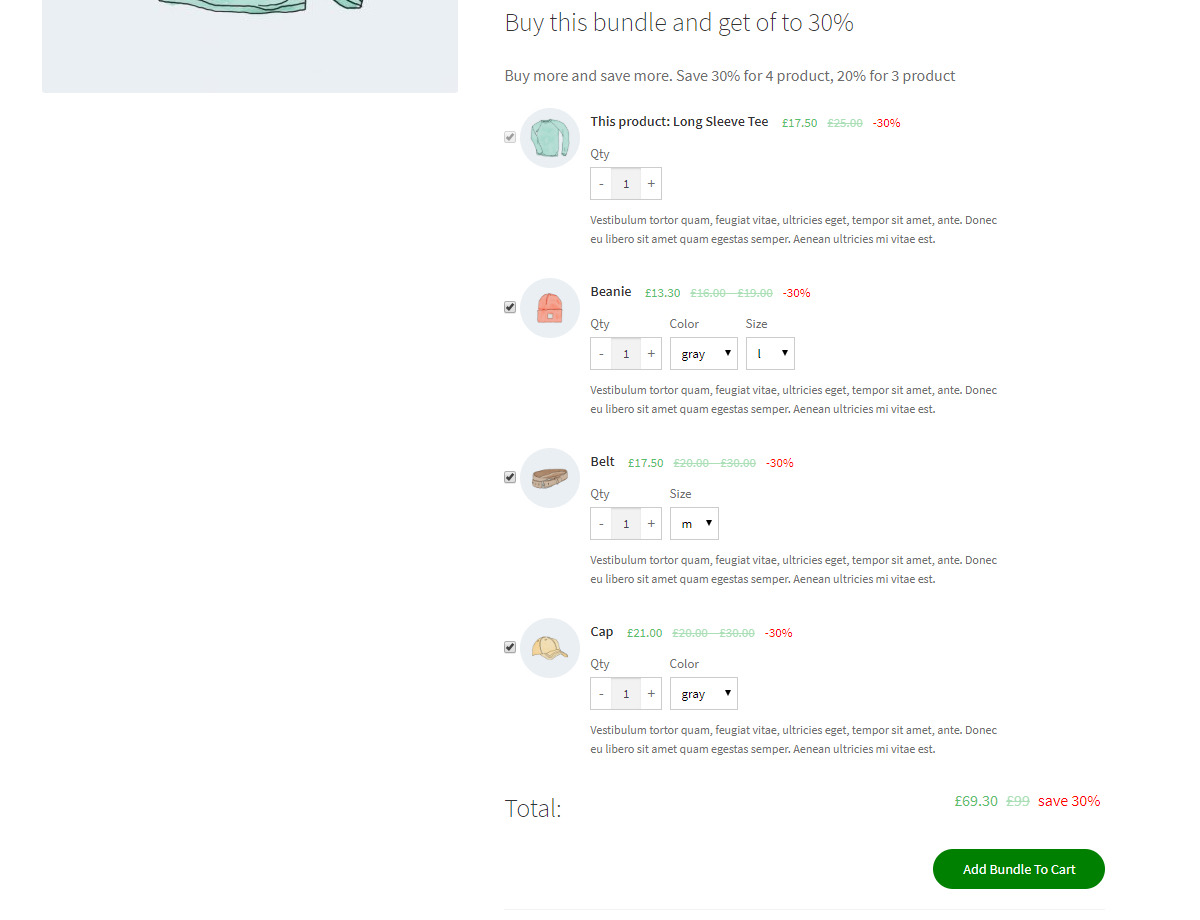
Search for products, drag them into order and set a quantity for each.
Add a variable product and let customers choose the size or colour, or fix one variation.
Fixed or percentage discounts, with a bigger discount when customers take more items.
Run a bundle for a set period, with an optional countdown clock.
Mark products that must stay in the bundle, and choose which ones start ticked.
Place the bundle anywhere with [c4d_woo_bundle] if you build product pages with a page builder.