How to tell customers about a quantity discount
A quantity discount only works on customers who know about it. Most shops set up the tiers and stop there, and the discount appears for the first time in the cart, when the customer has already decided. Tell them earlier, then again at the moment it counts.
Three moments
| Where | What customers need to know |
|---|---|
| Product page | That buying more is cheaper, and by how much |
| Cart | What they are saving now, and what one more item would give them |
| Checkout and order | That the discount is in the total, so there are no surprises |
On the product page
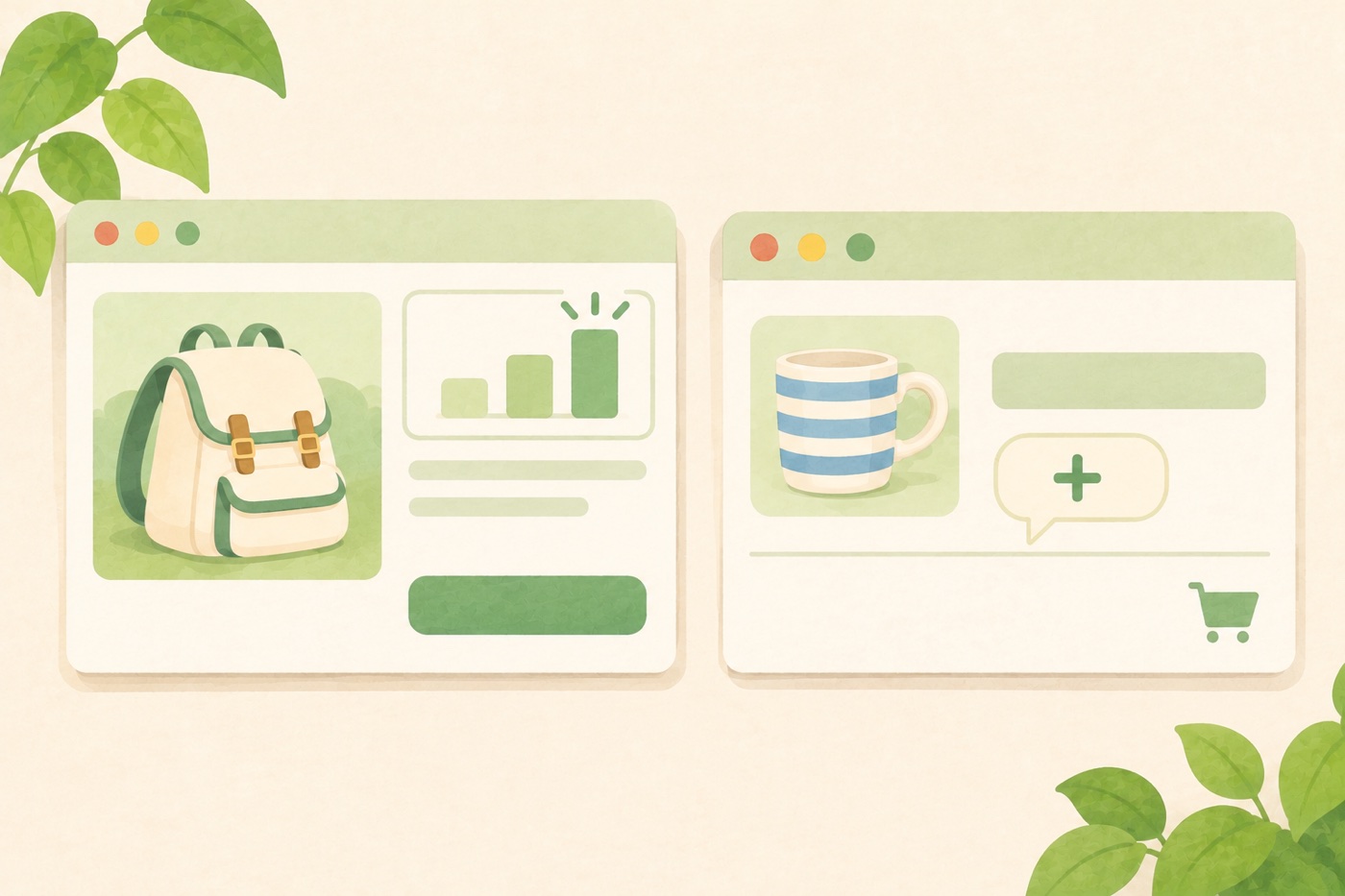
Put a short banner above the Add to cart button, where the eye is already going. It should list every step and show which one the customer has reached.
A good banner has three parts:
- A heading that states the offer: “Buy more, save more”.
- The steps in plain words: “2 items get 5% off”, “3 items get 10% off”, “5 items get 15% off”.
- The current step highlighted, so customers see their quantity matters.
Avoid the vague “Bulk discounts available”. A customer can’t act on it. Say what they will pay.
Wording that works
| Instead of | Write |
|---|---|
| Volume pricing | Buy more, save more |
| Tier 2 | 3 items get 10% off |
| Discount applied | You save 10% on each item |
Keep the heading short and the colours the same as the rest of your page. A banner in a colour that matches your add-to-cart button looks like part of the shop, not an advertisement.
Trust under the banner
Customers who are about to buy more spend more money, so a few lines of reassurance help: free returns, quality, support. Keep it to three short items and place them directly under the banner.
In the cart
The cart is where the discount becomes real. For each line, show three things:
- the original price, struck through
- the new price
- the percent saved
Under the price, a hint with the next step is the most useful sentence in the whole offer: “Add 2 more to save 15%”. It tells the customer exactly what to do and what they get.
The hint should disappear once the customer has the highest step, so it doesn’t promise something that doesn’t exist.
On a phone
Check the banner on a phone. Long step names wrap onto several lines and push the Add to cart button down. Write the steps short enough to stay on one line each.
Don’t hide it behind a code
If customers have to find a coupon to get a quantity discount, it’s a coupon, and few will find it. The point of a quantity discount is that it’s automatic and visible.
Doing this with C4D Buy More Save More
C4D Buy More Save More adds the banner above the Add to cart button of every product that has the discount on. You can change its title, description, row text (using {qty} and {percent}) and colours, and switch on three trust badges under it. In the classic cart, the line shows the struck-through price, the new price, the percent saved and the “Add 2 more to save 15%” hint. The block cart shows the discounted price and totals. See Banner, badges and cart display. The plugin is coming to WordPress.org soon.