Product bundle ideas for a WooCommerce shop
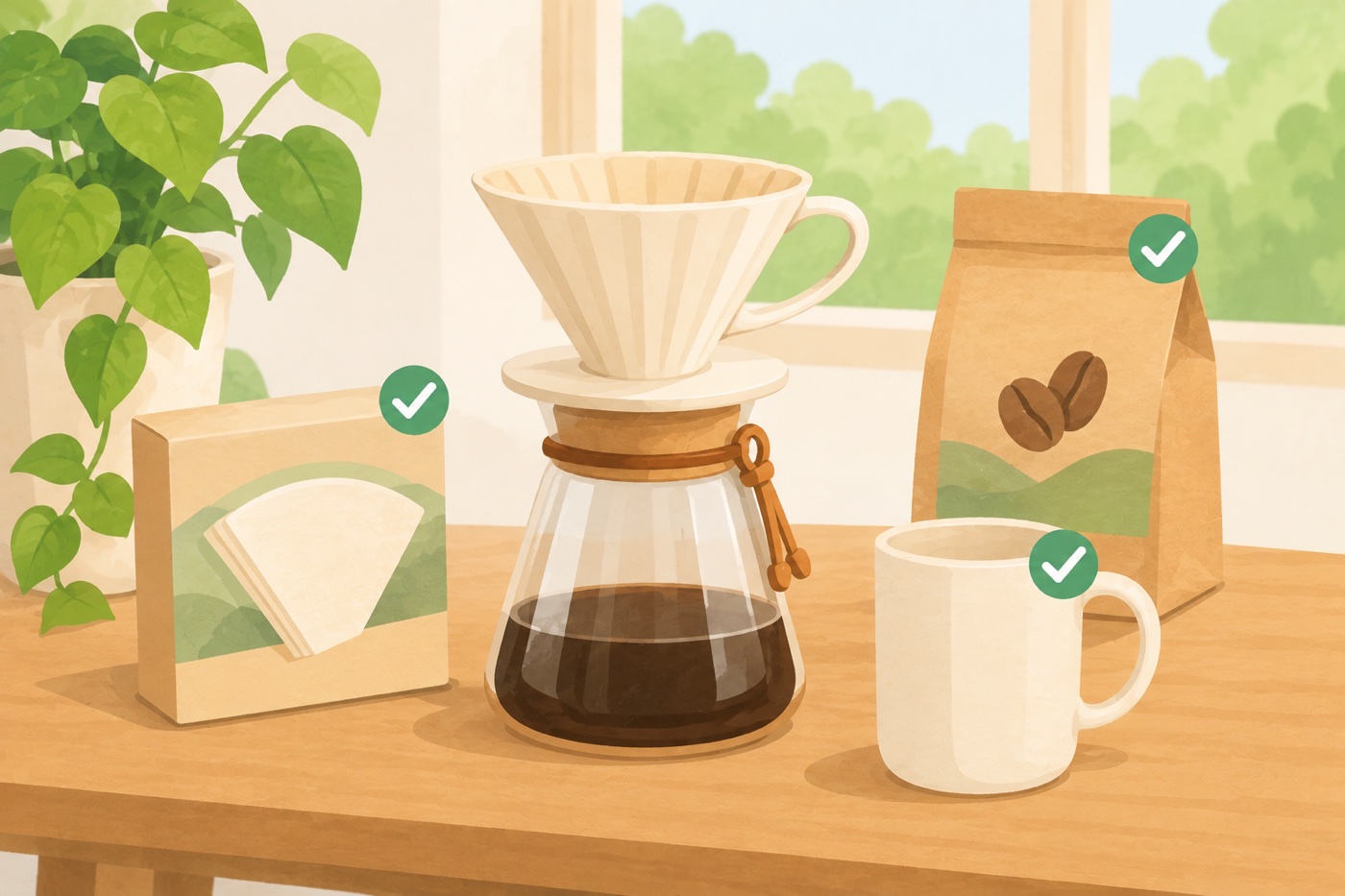
A bundle works when a customer looks at it and thinks “yes, I’d need those together”. It fails when it’s a random list of things you want to clear out. Good bundles start from what people already buy together.
Find the pairs first
Before you decide on a bundle, look for products that appear in the same order. Open your last twenty or thirty orders and note what goes with what. If customers keep buying the same camera and memory card, or the same shampoo and conditioner, you have your first bundle. Your customer questions are a second source: “Do I need anything else with this?” is a bundle waiting to be written.
Seven ideas
1. The starter kit. Everything a beginner needs to begin: a pour-over dripper, filters, a mug and a bag of coffee. New customers don’t know what to buy and a kit answers that.
2. The refill set. The main product plus the things that run out: a printer and its ink, a diffuser and its oils. It shows the real cost of owning the product, and gives you a reason to sell the refills from day one.
3. Complete the look. Clothing, home decor and accessories sell by combination. A shirt, a cap and a belt shown together beat three separate product pages.
4. The accessory set. A camera with a bag and a card, a phone with a case and a cable. You usually earn more on accessories than on the main item, which leaves room for a discount.
5. The routine. Skin care, supplements and training programs come as steps. A bundle lays out the routine in order.
6. The gift set. Pick a few items that suit one person: tea lover, new parent, home cook. Name it for the person, not for the products.
7. The course and its workbook. Digital and physical together, or a course with a template pack. It lifts the order without an extra product page.
Choose the main product
A bundle lives on one product page. Choose the one customers reach most often, usually a best seller. Put the add-ons there, not on a product that few people see. If you want the same offer on more than one page, make a separate bundle for each.
Keep it small
Three items is a good size for most shops. A longer list asks customers to decide too much, and the “tick what you want” step becomes a chore. If you sell a larger kit, split it into a core bundle and optional extras.
| Number of items | Suits |
|---|---|
| 2 to 3 | Most shops. A customer understands it at a glance. |
| 4 to 6 | Starter kits and gift sets, where the point is that everything is in one place. |
| More than 6 | Rare. Consider two bundles instead. |
Let customers choose
A bundle that lets customers tick what they want suits shops where needs differ. Mark the essential items as required and leave the rest ticked by default but removable. Items with sizes or colours should let the customer pick them inside the bundle, not on another page.
Write it for the customer
The heading should say what they get, not that it’s a bundle: “Save 15% when you buy all three” beats “Product bundle”. Give each add-on a line that says why it belongs: “Fits size 02 drippers.”
Doing this with C4D Product Bundles
In C4D Product Bundles you search for products and drag them into order. Each item can start ticked or not, can be required, and can show size and colour menus for variable products. The free version shows up to three items in a bundle. Pro removes that limit, and can fill a bundle from a product’s cross-sells so you don’t pick each item by hand. The steps are in Getting started with Product Bundles. To work out what discount a bundle can afford, read how to price a product bundle.